
Virtual Pet Games Offline: Care Without Constant Wi‑Fi
Quick answer: True offline virtual pets let you feed and play in airplane mode, or at least progress without a forced always-online check-in. Always confirm on the store listing—labels change.
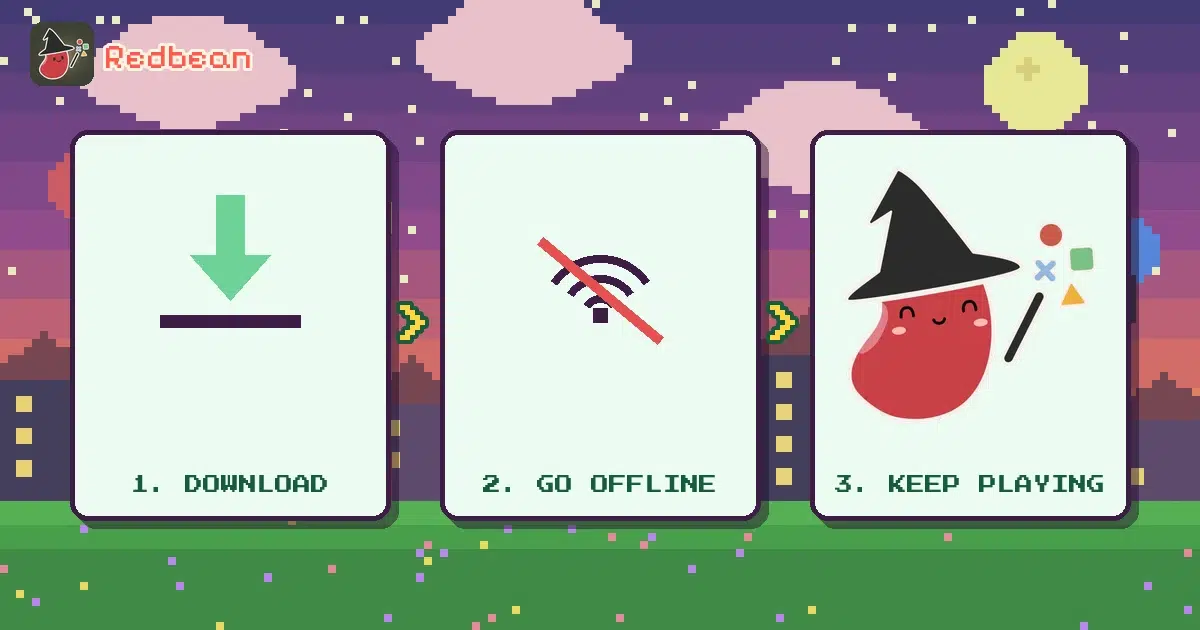
Why offline matters #
Commutes, travel, school rules, data caps. A pet that dies because the login server blinked is the opposite of cozy.
How to verify offline play #
- Read the store description for offline / airplane notes.
- Check recent reviews mentioning offline.
- After install, try airplane mode yourself for a short session.
- Watch for "cloud save required" popups.
We cannot promise any third-party app stays offline forever; publishers patch connectivity in.
Offline-friendly habits #
- Prefer local saves.
- Avoid pets that require daily server events to stay healthy.
- Keep notifications gentle.
Related cozy offline reading #
See also cozy mobile games with no Wi‑Fi in the cozy pillar.
Battery and storage notes #
Offline games can still use storage for assets and local saves. Leave headroom. Clear cache only if you understand whether it wipes pet data.
Keep notes outside the app #
Whatever tool you try, keep a short external note with the character or pet name, the goal for this week, and three facts that must not drift. Apps change. Your notes travel.
Soft Redbean reminder #
When the fun shifts from "configure a look" to "I want them to talk and hang out," Redbean is built for original characters in a cozy pixel world. Download only if that matches what you want:
Travel kit #
Download updates on Wi‑Fi before a trip. Test airplane mode at home first. Carry headphones for sound-dependent pets if needed.
Bring your character to life in Redbean #
Redbean is a cozy pixel life-sim where your original characters talk, remember each other, and hang out in a world you shape. Soft pitch only: design someone who is yours, then watch them come alive—not another chat tab, a little life.


Bao PT
We are Redbean. We turn sparks into worlds. And we are just getting started.