
Pixel Character Maker: Make Original Pixel Art Characters (2026)
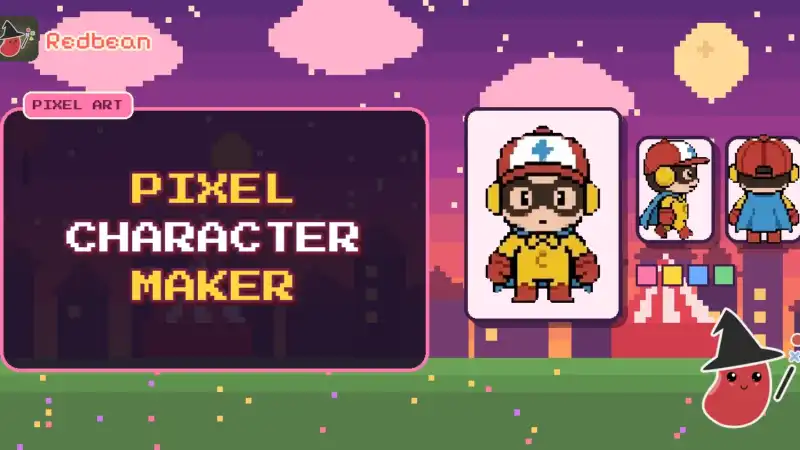
Quick answer: A pixel character maker helps you design an original character in a chunky, grid-based art style—avatar, sprite, or full chibi body—without needing a full drawing tablet workflow. This hub covers the best approaches for mobile and browser, then links to deeper guides for avatars, sprites, chibi/8-bit looks, and idea prompts. Prefer living characters over static pixels? See our character creator app hub.
Pixel art is having another moment: clear silhouettes, limited palettes, and characters that still read at phone size. This guide is about original characters—faces, outfits, and personalities you invent—not recreating someone else’s cast from a game or show.
Redbean is not affiliated with, endorsed by, or sponsored by any of the apps or companies named here. App names are trademarks of their owners. No official artwork is used on this page.
Guides in this cluster #
Use this hub as the map, then open the spoke that matches what you want to make:
- Pixel art avatar maker — profile pictures and bust portraits in pixel style
- Sprite maker app — game-ready or scene-ready character sprites without a full art pipeline
- Chibi pixel character creator — cute, short proportions and 8-bit vibes
- Pixel art character ideas — prompts when the blank canvas stares back
This cluster sits under our character creator app pillar (original-character tools like Picrew- and Gacha-style makers).
What a pixel character maker actually does #
Most tools cover one or two of these jobs:
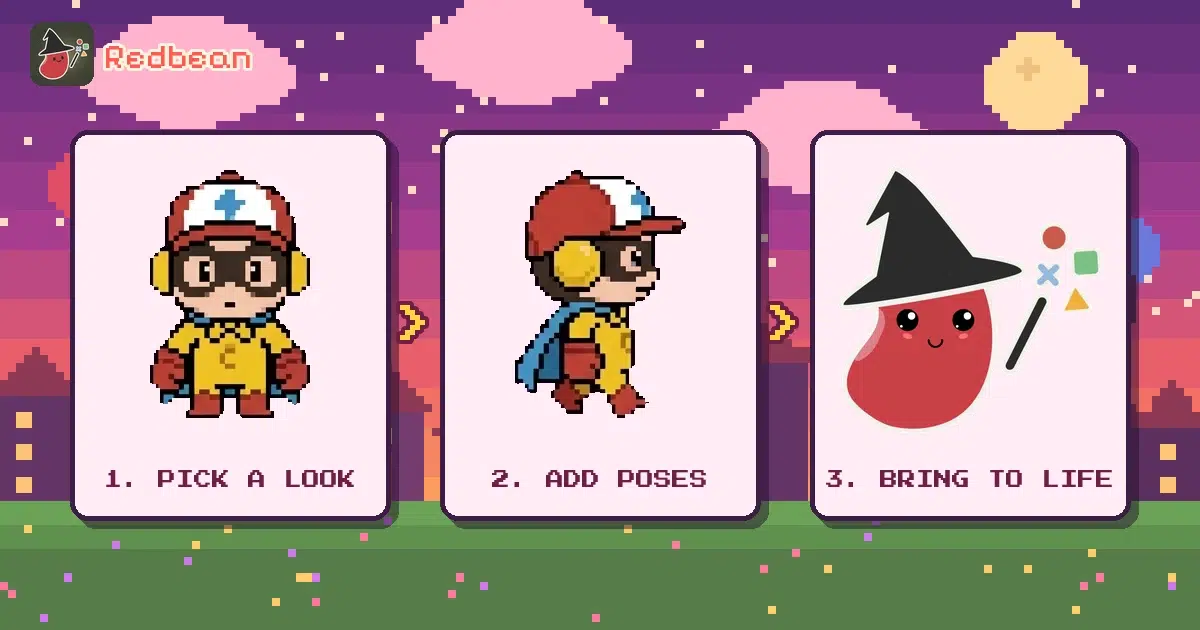
- Look. Palette, outline, hair, outfit, accessories.
- Format. Square avatar, walk-cycle sprite sheet, or a single pose.
- Personality notes. Name, traits, and a short bio (often up to you).
- Life. Somewhere the character can act—not just sit in a PNG folder.
Static makers stop at step 1 or 2. If you want step 4, you will eventually need a place for the character to live. That is where a life-sim like Redbean differs from a pure drawing tool.
Types of pixel character makers #
Avatar and portrait makers #
Fast heads and busts for Discord, socials, or a character sheet header. See the pixel art avatar maker guide.
Sprite and game-character tools #
Side or front views meant for scenes, stickers, or simple games. Many "sprite makers" online are desktop-first; mobile options are thinner. Details in sprite maker app.
Chibi and 8-bit stylers #
Big head, short body, limited colors—easy to read on a small screen. Covered in chibi pixel character creator.
Idea-first workflows #
Sometimes you need a concept before a single pixel. Jump to pixel art character ideas.
How to choose a pixel character workflow #
Ask yourself:
- One portrait or a cast? One-off avatars favor pick-and-mix makers; casts favor reusable templates.
- Do you need animation? Idle blinks and walk cycles raise the bar far above a static PNG.
- Export rights. Check whether commercial use, NFTs, or remixing are allowed before you invest hours.
- Will they only exist as art? If you want them to talk and hang out, plan a home for them early.
Pixel characters vs living characters #
A finished pixel OC in a folder is a great start. A finished OC who greets you in a town is a different product. Redbean leans into the second: you still design an original look and personality, then they move through a pixel world. Use the drawing tools for the look; use a life-sim when you want the life.
FAQ #
Is a pixel character maker the same as a sprite editor? #
Not always. Sprite editors focus on frames and sheets for games. Character makers focus on face, outfit, and identity. Some apps blur the line.
Can I make an original character without drawing skill? #
Yes. Layered part-based makers (eyes, hair, clothes) are designed for that. Start simple and iterate.
Where do pixel OCs fit next to Picrew-style apps? #
Picrew-style tools are usually higher-resolution portraits. Pixel makers trade detail for charm and readability. Both belong under original-character creation—see the character creator app hub.
Tool categories without fake scoreboards #
We group by job-to-be-done, not invented "rankings." Always verify price, ads, and age ratings on the US App Store or Google Play yourself before downloading.
Accessibility and comfort #
Large touch targets, colorblind-friendly palettes, and undo history matter more than feature checklists. If a tool fights your hands, it will not become a daily habit.
Practical next steps (same day) #
- Skim the quick answer at the top again and pick one spoke.
- Open that spoke and do the smallest action it suggests (one prompt, one sheet field, one store-page check).
- Save your notes outside any single app.
- Only then download or open a tool.
- Revisit this hub when you switch jobs (avatar vs sprite, care pet vs collector, story vs RPG).
Quality bar we hold on this site #
- No invented download counts, ratings, or "ranked #1" claims.
- Soft Redbean mentions, never fake testimonials.
- Official store and Discord links only when we CTA.
- Internal links stay inside published pages or among these drafts until Bao publishes.
Workflow A: one portrait tonight #
- Choose a 6-color palette.
- Build a bust only.
- Name them.
- Write three traits.
- Stop. Sleep on it before adding a full body.
Workflow B: a cast of three #
- Shared palette family.
- Three head shapes.
- One shared world rule ("everyone works the night market").
- One conflict between two of them.
- Save as a mini series, not isolated PNGs.
Workflow C: art now, life later #
Use any pixel maker for the look, then move the character into a place they can act. Static art is complete on its own; living characters are optional chapter two.
Comparison mindset (no fake table scores) #
Ask: Does this tool export cleanly? Can I reuse parts for a cast? Does it push me toward originality? If a tool only shines when you recreate a famous face, it is the wrong tool for this cluster.
Bring your character to life in Redbean #
Redbean is a cozy pixel life-sim where your original characters talk, remember, and hang out in a world you build. Soft pitch: make the character, then watch them come alive.


Bao PT
We are Redbean. We turn sparks into worlds. And we are just getting started.